From Budapest's historic landmarks and thermal baths to the scenic countryside surrounding Lake Balaton, Hungary offers memorable travel experiences. A travel eSIM for Hungary provides instant mobile data throughout your journey.
eSIM Compatibility
Before you buy, make sure your device supports eSIM and is network unlocked.
Works with most newer iPhone, Samsung and Google devices
Takes less than 30 seconds to check
Data plans for Hungary
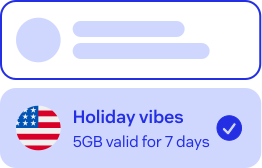
Choose a travel eSIM plan that fits your itinerary and data requirements.
Travelling beyond Hungary?
Planning to visit several European destinations on one trip? A Europe eSIM provides mobile data across multiple countries with a single eSIM. Enjoy automatic roaming as you cross borders and stay connected without buying a new SIM card in every destination.
Choose your destination and the best data plan for your travel needs.
Download the app
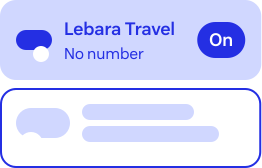
Claim your eSIM through the Lebara Travel eSIM app from the App or Play Store
Install your eSIM
Complete installation before you arrive at your destination.
Get Connected
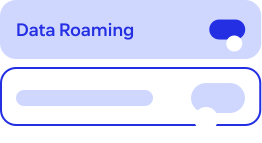
On arrival your plan will automatically activate, but don't forget to turn on your data roaming!
Why Lebara Travel eSIM?
One SIM for life

Global connectivity that stays with you for life
No roaming charges
Roaming included in Data plan
Value for money
Pay local data rates wherever
you travel
24/7 agent support
Get help from real agents, anytime you need it
Frequently Asked Questions
An eSIM is a digital SIM that lets you use Mobile data without a physical SIM card. You install it on your phone and connect when you travel. Most modern phones have a second SIM slot, which is where the digital eSIM is assigned, allowing you to switch your SIM when you travel abroad. Check your device's compatibility here.
Yes, you'll need to be online to complete installation. Do it before you leave using your mobile network or Wi-Fi.
Don't stress, installing won’t use any data. The data plan will automatically start when you arrive.
After your purchase, you'll need to download the Lebara Travel eSIM app to install the eSIM on your phone by following the prompts on screen.
We’ll also email you a confirmation and include a link to the app stores.